
Published August 16, 2026 in Product News
New Integration: Save to Obsidian

By Anis G
Save to Notion Founder
Published August 16, 2026 in Product News
By Anis G
Save to Notion Founder

You can now use the web clipper to Save to Obsidian!
Saving to Obsidian works just like saving to Notion. Choose your Obsidian form, complete any fields you need, and save as usual.
Your clip is created as a Markdown note in your selected vault and folder.
1) In the extension, click Add New Form. On the next screen, open the Notion menu in the top-right corner.

2) Select Obsidian from the list of destinations.
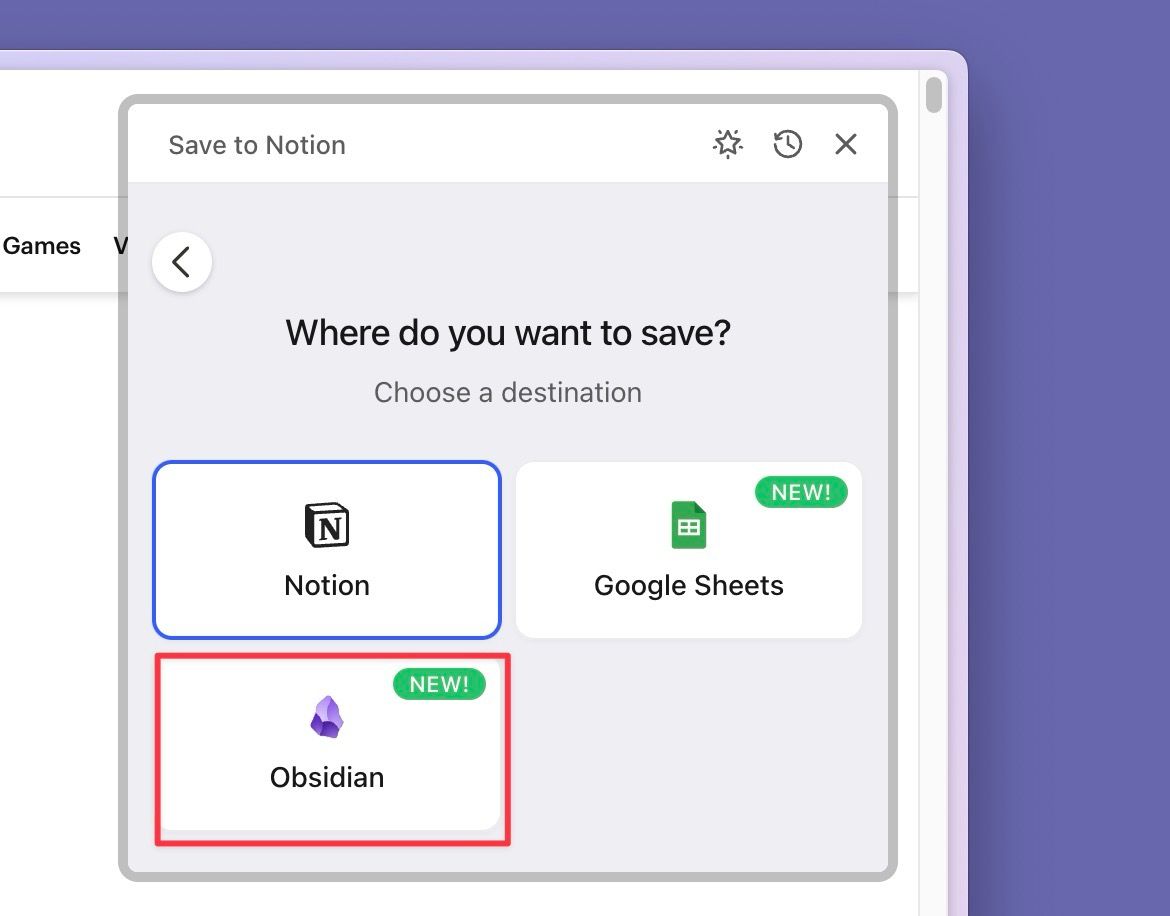
3) Choose your vault and folder, configure the properties you want, then save your form.
That's it ✨. Open the form from any webpage to save it directly to Obsidian.