
Published August 22, 2026 in Product News
New Integration: Save to Google Sheets

By Anis G
Save to Notion Founder
Published August 22, 2026 in Product News
By Anis G
Save to Notion Founder
You can now save webpages directly to Google Sheets with Save to Notion!
Create a reusable form, choose the columns you need, and turn any webpage into a structured row in a few clicks.
Open the extension on any webpage, choose your Google Sheets form, complete any fields you need, and save. The page is added to your selected sheet as a new row.
Your forms stay reusable, so the next useful link takes only a few clicks to organize.
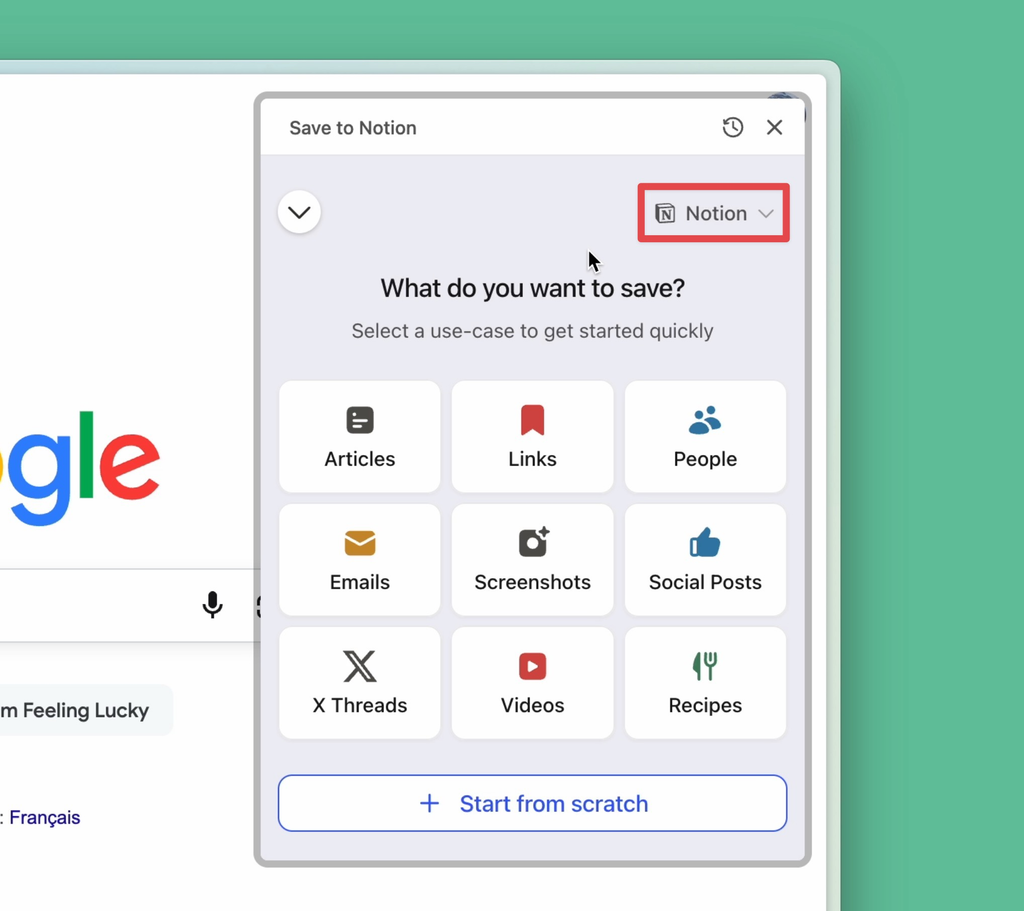
1) In the extension, click Add New Form. On the next screen, open the Notion menu in the top-right corner.
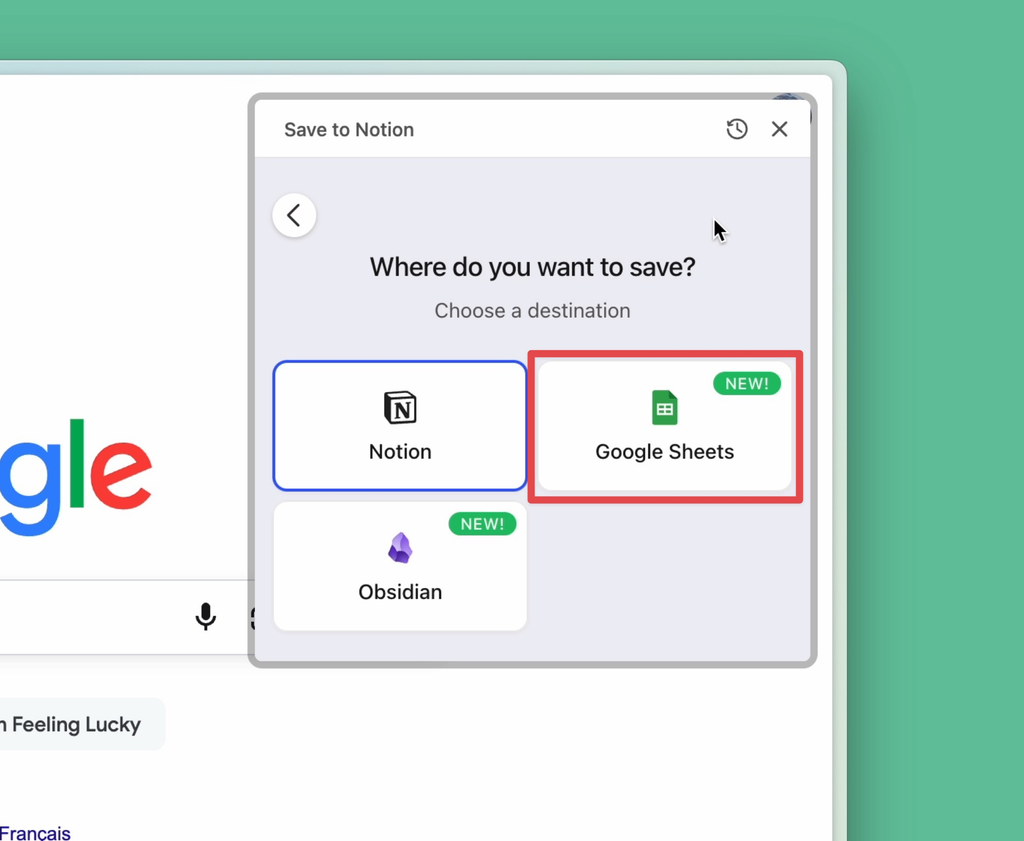
2) Select Google Sheets from the list of destinations.
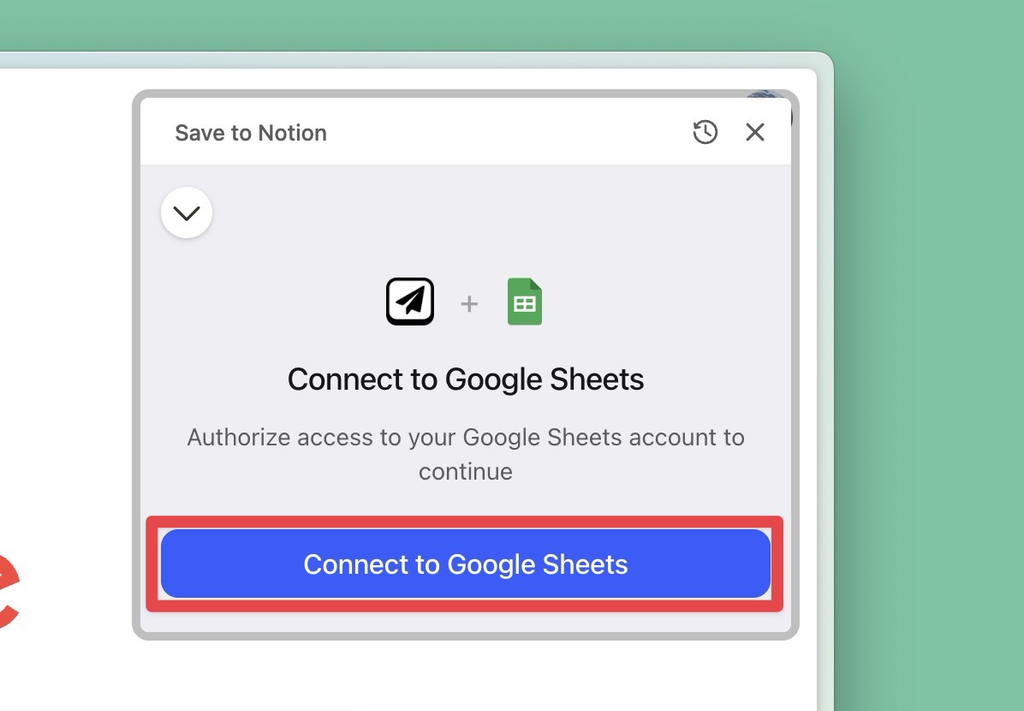
3) Click Continue with Google, then complete the authorization in the Google window that opens.
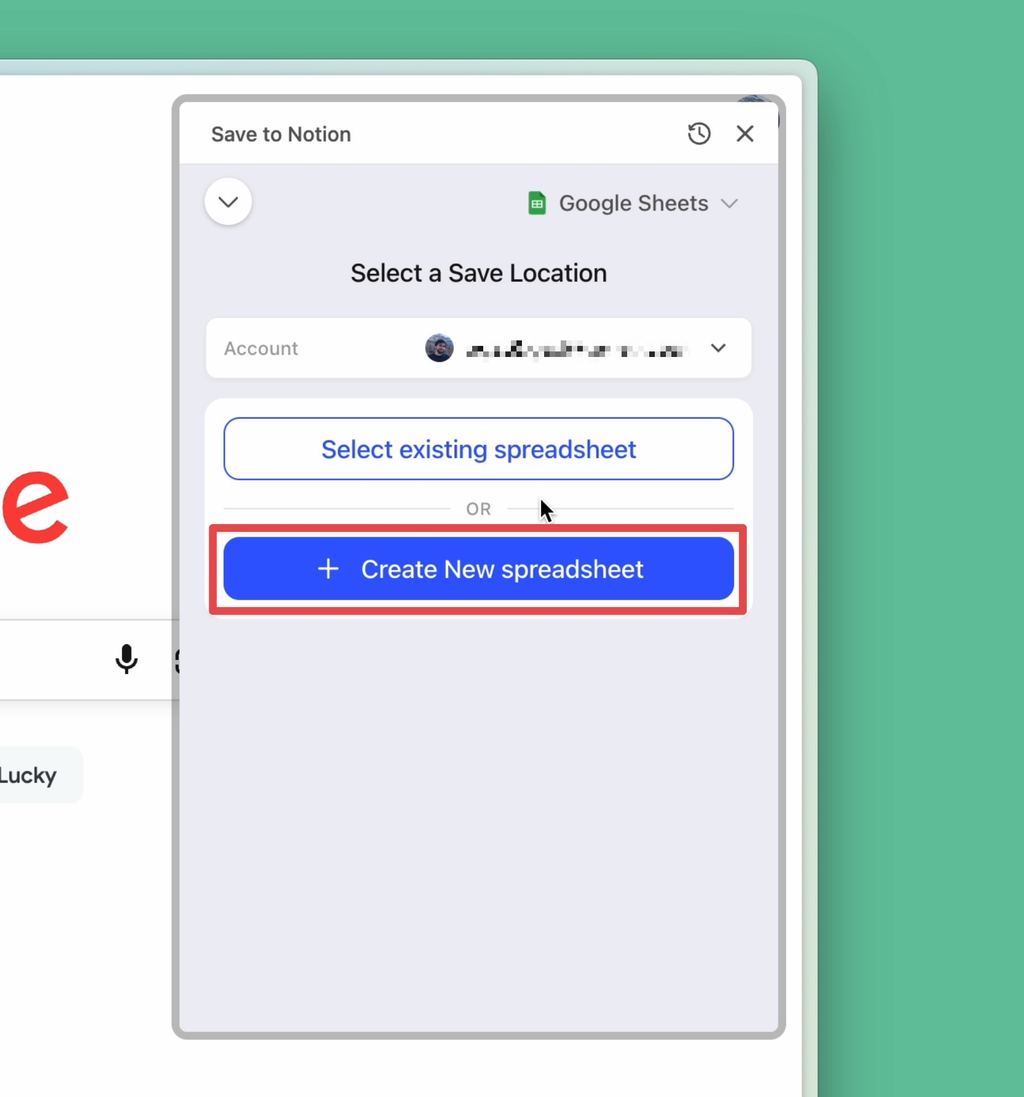
4) Choose one of your existing spreadsheets, or click Create New spreadsheet.
5) Choose the sheet, configure the columns you want in the form, then click Save Form.
That's it ✨. You can now open the form from any webpage to add its details to Google Sheets as a new row.